① Public emergency screen
Minimum information and communication information that the owner has agreed to disclose
Open Preview →Take a look at the public emergency information, PIN protected information, and location sharing confirmation of the person who found it without installing or logging in to the app.
Minimum information and communication information that the owner has agreed to disclose
Open Preview →Access confirmation of name, guardian contact information, and detailed medical history
Open Preview →The discoverer chooses whether to check the GPS and deliver it to the guardian.
Open Preview →Virtual profile preview only handled within this page.
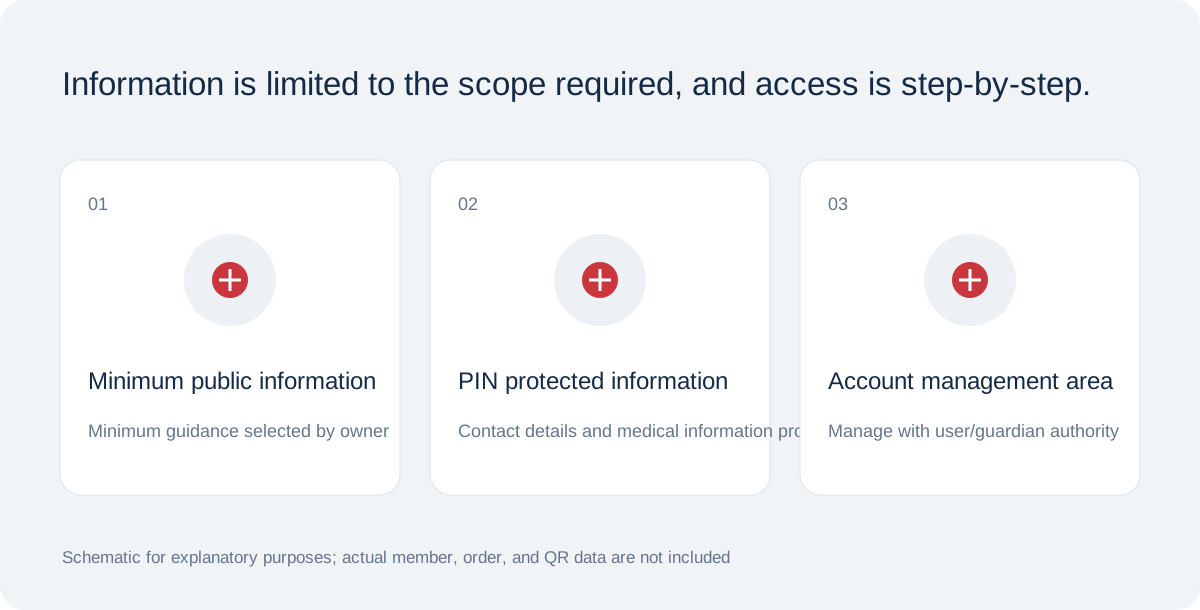
QR, access password, and activation code are separated, and location sharing is handled with separate consent.
Schematic for functional/product design explanation · Not in actual conditionPublic information includes language, communication guidance and only selected, consented minimum emergency fields. Consider the need and risk before publishing allergies, medicines to avoid, conditions, medicines, devices, pregnancy or blood group. Blank fields do not mean there is no condition or allergy.
PIN-protected fields can include name, age, guardian and backup contacts, surgery, history, doctor, insurance and embassy details. Care responsibilities and private notes are owner-only and do not appear in QR views even with the PIN.
QR is a random identifier locating the emergency page. PIN is a six-digit password for protected information and is never part of the QR URL. Activation Code is separate and used for first activation. These are not interchangeable.
Keep the activation code shown after issuance private and out of public photos or partnership materials. Reset a lost PIN from the owner account. Never give passwords to staff or include them in support email.