Check serial number
This is a design that checks the number read by a person when the QR is damaged. Not everyone can view protected information simply by knowing the serial number.
Check the serial number and instructions engraved on the product.
This is a design that checks the number read by a person when the QR is damaged. Not everyone can view protected information simply by knowing the serial number.
Phone inquiry, IVR, and institutional accounts are planned to be established. Currently available SOS inquiry phone numbers or consultation hours have not been confirmed.
Institution inquiry information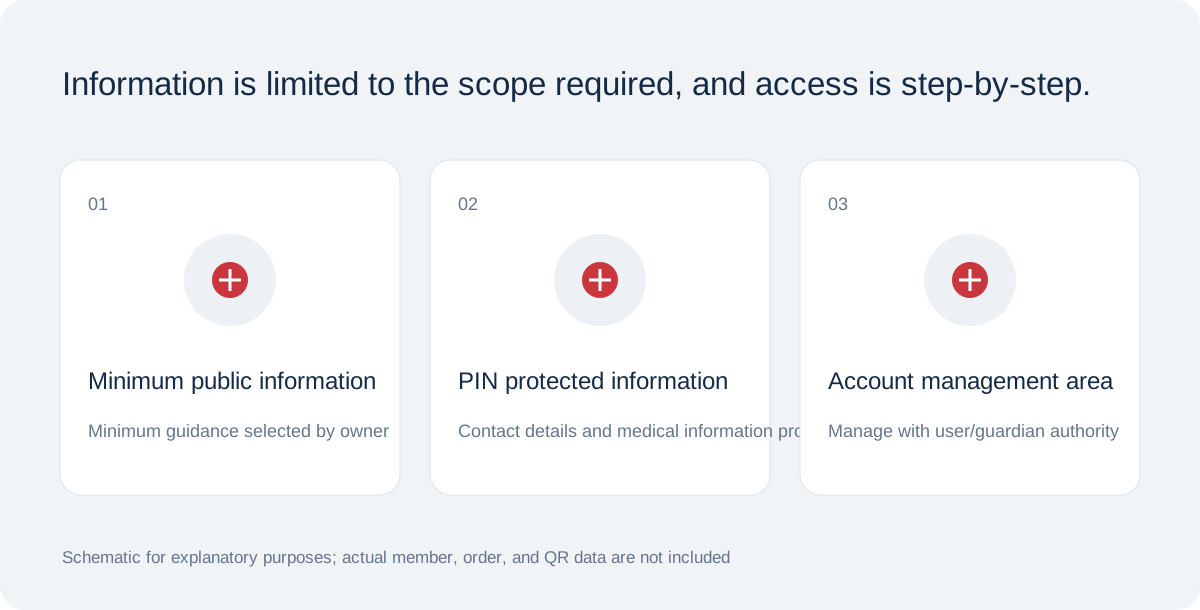
QR, access password, and activation code are separated, and location sharing is handled with separate consent.
Schematic for functional/product design explanation · Not in actual conditionCheck lens, obstruction, margins, light and connectivity. Never request PINs publicly to view protected information. Online QR requires internet; offline medical-data caching is not provided.
Serial, telephone and institutional lookup are planned additional channels. Their servers, call center, permissions and audit integration are not ready, so they cannot currently be used. No invented phone numbers or successful lookup screens are provided.
QR is a random identifier locating the emergency page. PIN is a six-digit password for protected information and is never part of the QR URL. Activation Code is separate and used for first activation. These are not interchangeable.
Keep the activation code shown after issuance private and out of public photos or partnership materials. Reset a lost PIN from the owner account. Never give passwords to staff or include them in support email.