Plan for a flat battery, damaged QR or no data. Online QR needs connectivity. Phone/institutional lookup and offline snapshots are not connected; prepare a separate emergency contact plan.
M31 SOS · VISUAL GUIDE
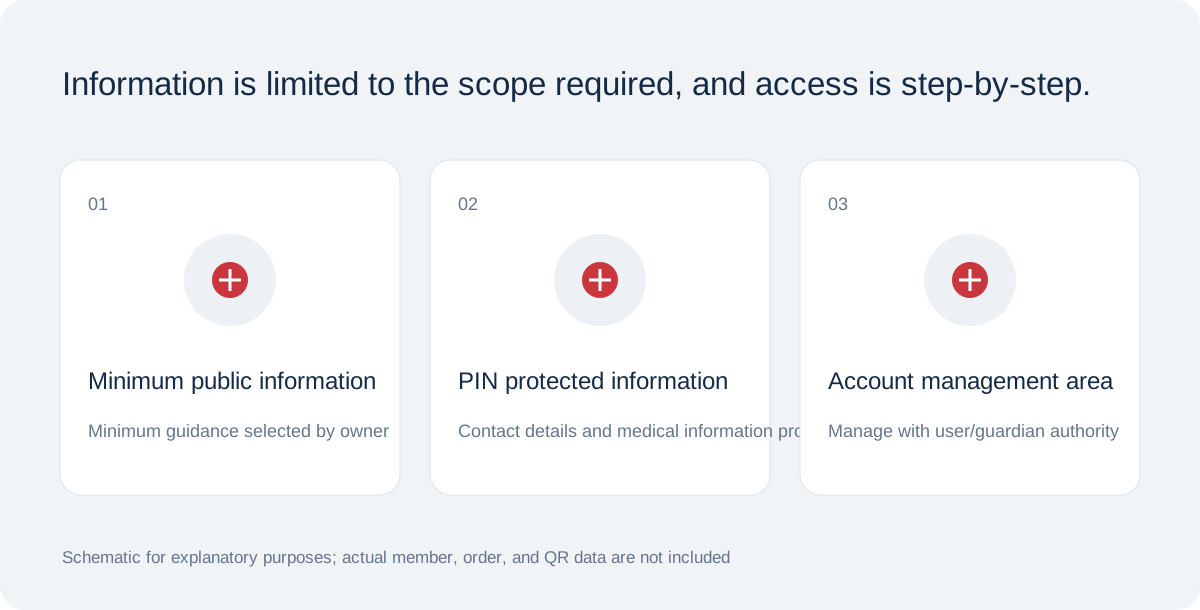
Personal information is stored according to the purpose and scope.
QR, access password, and activation code are separated, and location sharing is handled with separate consent.
Schematic for functional/product design explanation · Not in actual condition
When QR or connectivity fails
Check lens, obstruction, margins, light and connectivity. Never request PINs publicly to view protected information. Online QR requires internet; offline medical-data caching is not provided.
Serial, telephone and institutional lookup are planned additional channels. Their servers, call center, permissions and audit integration are not ready, so they cannot currently be used. No invented phone numbers or successful lookup screens are provided.
Materials do not establish tested performance
Acrylic, PVC, stickers, silicone and woven products are not presented as fire-response equipment. Even metal concepts require alloy, engraving, chain, heat, abrasion and scan tests before fire readability or water ratings can be claimed.
Keep QR margins and contrast, avoiding folds, obstruction and glare. Test printed output on several phones with varied light and angles. Replace damaged QR/tag output and do not assume the unconnected telephone lookup is available.
Checklist from saving to actual use
Prepare in order: 1 sign in, 2 enter information and confirm authority, 3 choose visibility and fields, 4 confirm storage, accuracy and health consent, 5 save profile, 6 set PIN and issue QR, 7 retain activation code, 8 activate tag, 9 download QR.
Scan the active QR on another phone and check public and PIN views separately. Verify recipients, consent and actual QR-guidance email receipt. The system does not currently enforce confirmed email receipt as an activation condition; check it yourself.
Included in M31 Software Buffet · All members can use SOS digital features free of charge. Charges apply only to optional printed products and keyrings.