Choose a visible place on a helmet, bag or wallet without covering QR instructions. Never operate the site while riding; review information in a safe place.
M31 SOS · VISUAL GUIDE
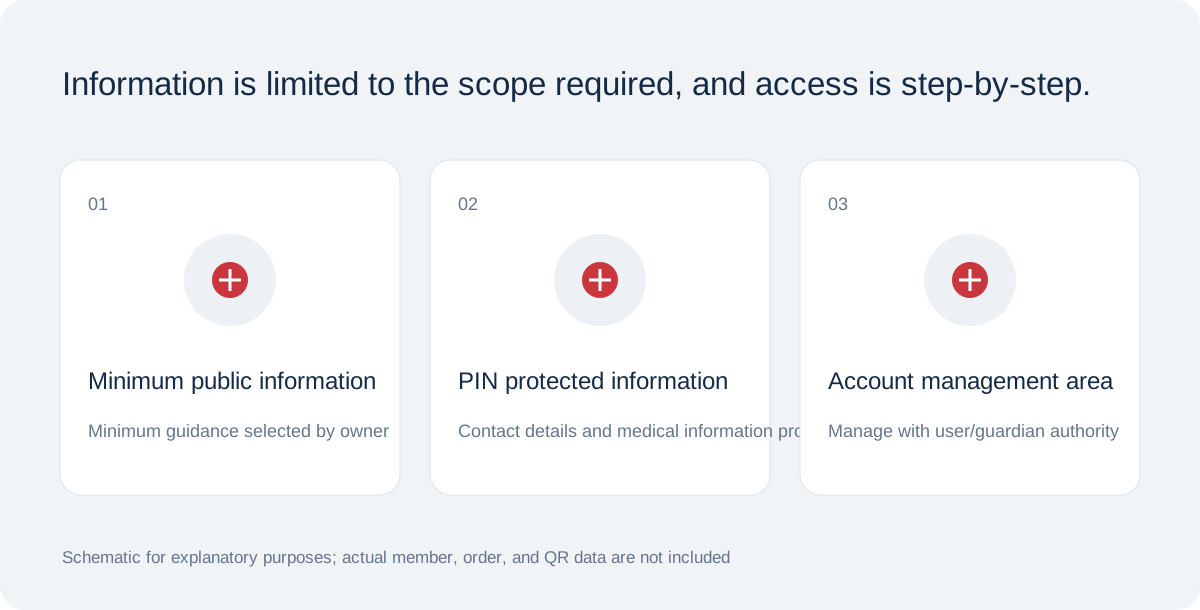
Personal information is stored according to the purpose and scope.
QR, access password, and activation code are separated, and location sharing is handled with separate consent.
Schematic for functional/product design explanation · Not in actual condition
Prepare for moments when you cannot speak
M31 SOS helps others find chosen emergency information and contact options through a worn or carried QR tag. Children, older adults, travelers, riders and outdoor users can prepare for their own circumstances.
This is an information tool supporting identification and initial contact. It does not guarantee rescue, diagnosis, treatment, legal identification or response times. In immediate danger, prioritize scene safety and local emergency services.
Checklist from saving to actual use
Prepare in order: 1 sign in, 2 enter information and confirm authority, 3 choose visibility and fields, 4 confirm storage, accuracy and health consent, 5 save profile, 6 set PIN and issue QR, 7 retain activation code, 8 activate tag, 9 download QR.
Scan the active QR on another phone and check public and PIN views separately. Verify recipients, consent and actual QR-guidance email receipt. The system does not currently enforce confirmed email receipt as an activation condition; check it yourself.
Materials do not establish tested performance
Acrylic, PVC, stickers, silicone and woven products are not presented as fire-response equipment. Even metal concepts require alloy, engraving, chain, heat, abrasion and scan tests before fire readability or water ratings can be claimed.
Keep QR margins and contrast, avoiding folds, obstruction and glare. Test printed output on several phones with varied light and angles. Replace damaged QR/tag output and do not assume the unconnected telephone lookup is available.
Included in M31 Software Buffet · All members can use SOS digital features free of charge. Charges apply only to optional printed products and keyrings.