Allergies and prohibited medicines
Record medicine, food and other allergies, reactions, severity, prohibited medicines and clinician-provided precautions.
Only selected, consented minimum fields may be publicPrepare health information, guardian details and overseas contacts for moments when you cannot speak.
Register allergies, guardian details and overseas contacts, then choose what appears publicly and what stays PIN-protected.
Record medicine, food and other allergies, reactions, severity, prohibited medicines and clinician-provided precautions.
Only selected, consented minimum fields may be publicEnter existing conditions, current medicines including anticoagulants, implants and MRI precautions, relevant pregnancy information and blood type. Do not guess unknown information.
Choose visibility per field with separate consentRecord procedure, date, body area, post-surgery precautions, treating clinician and hospital, insurer and insurance contact.
PIN-protected by default · not printed on the public faceEnter guardian name and relationship, phone with country code, backup contact, and LINE, Kakao or WeChat contact methods.
PIN-protected by default · confirm contact-sharing consentPrepare nationality, destination country, embassy or consulate name, phone, address and official website, travel insurance and local emergency contact. Verify official details before travel and keep them current.
PIN-protected by default · no automatic lookup or embassy connectionShare preferred languages and communication needs. Keep dependent family or pet care notes and private guardian notes in the account-only area.
Care notes are excluded from QR and PIN viewsShow only consented minimum emergency information and communication guidance. Entering a field does not automatically make it public.
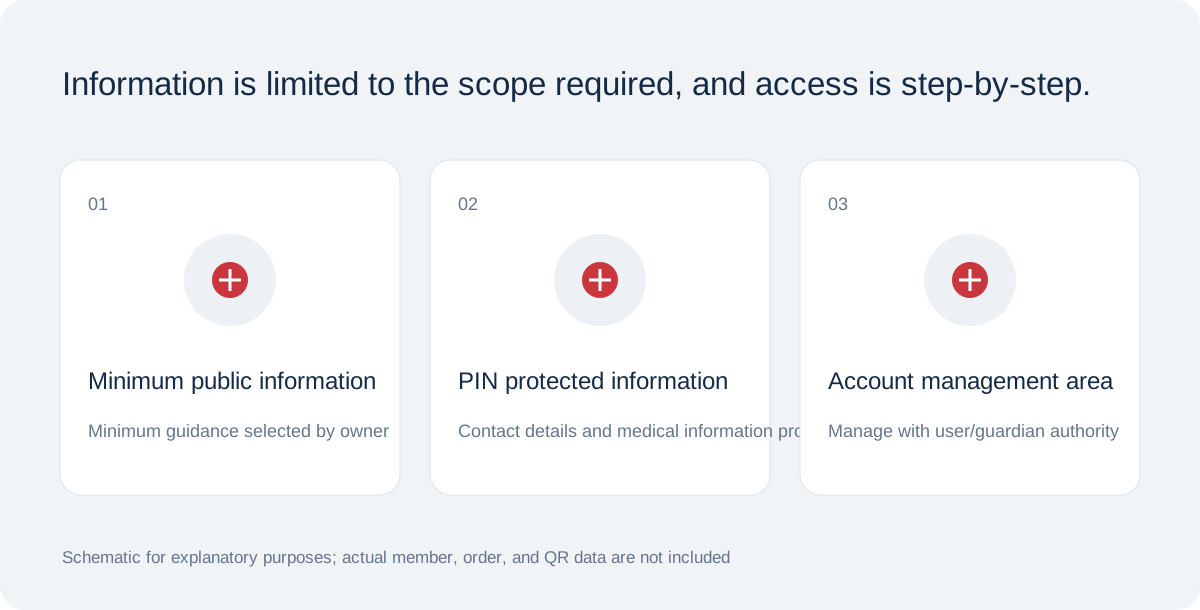
Name, guardian contacts, surgery history, detailed medical history, insurance and embassy contacts belong in the PIN-protected area by default.
Care responsibilities and private notes are for the account owner only, excluded from public QR and PIN views.
A locks all information before PIN verification. B shows consented minimum information; C also stays within selected and consented public fields.
Review visibility and consent settingsSOS is included in the M31 buffet. All members, regardless of level, use SOS membership functions such as QR creation and downloading. There is no separate charge for digital features.
Ordering a print or ring type production will create an additional order and incur production service charges. A production order is not required to create or download.
This is a preview. Each product is 300 THB; shipping fees and delivery terms are shown separately on the purchase screen.
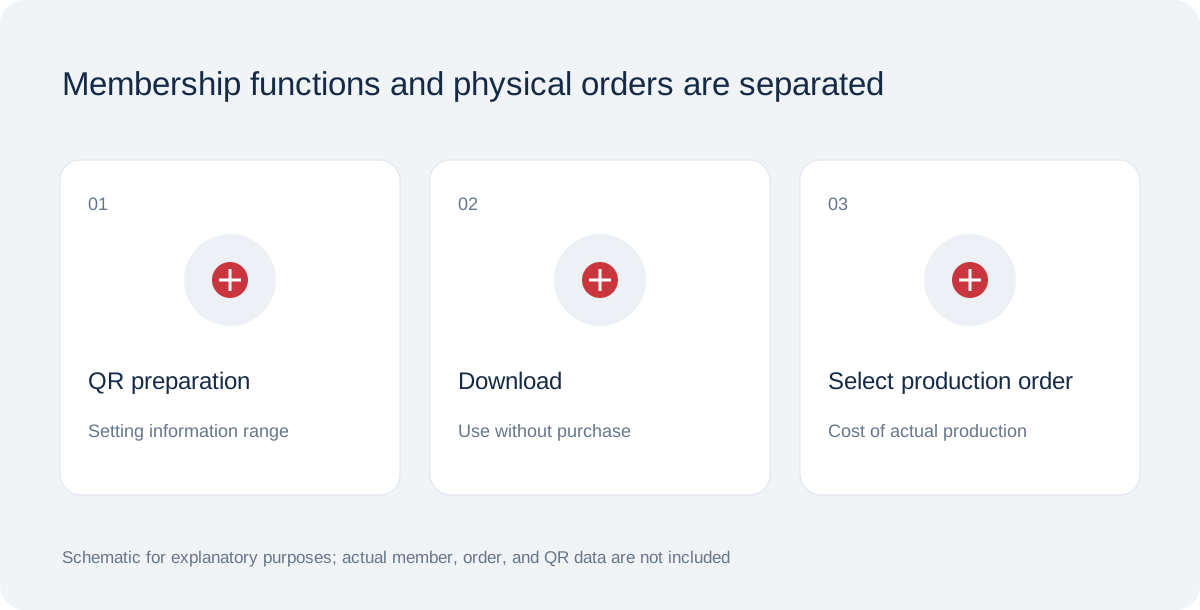
QR creation and downloading are member functions, and physical production is an order that can be selected only when necessary.
Schematic for functional/product design explanation · Not in actual conditionMode A hides all profile information before PIN verification, including allergies and conditions. Mode B shows selected, consented minimum fields and locks details. Mode C also shows only fields explicitly selected from allowed public fields.
To withdraw disclosure, edit and save the profile and rescan on another device. Previously captured or copied screens cannot be recalled. Confirm authority and separate consent for health-data storage and public disclosure.
Current mode B publishes language and communication only; health fields stay PIN-protected. To publish health information, choose mode C and confirm field selections and separate disclosure consent.
Prepare in order: 1 sign in, 2 enter information and confirm authority, 3 choose visibility and fields, 4 confirm storage, accuracy and health consent, 5 save profile, 6 set PIN and issue QR, 7 retain activation code, 8 activate tag, 9 download QR.
Scan the active QR on another phone and check public and PIN views separately. Verify recipients, consent and actual QR-guidance email receipt. The system does not currently enforce confirmed email receipt as an activation condition; check it yourself.